Quick answer
One photo. Seven shapes, measured.
Upload one front-facing photo and the face shape detector maps 468 facial landmarks, compares your forehead, cheekbone and jaw widths with your face length and your jaw and chin angles, and names the closest of seven shapes with a confidence label. When you sit between two shapes, it shows both. It then lists named haircuts and frame families for your result.
Upload a photoUpload a photo
Use the upload panel at the top of this page. One recent, straight-on photo is all the detector needs, and a phone camera is enough. The photo matters more than the device: the detector can only measure what the picture shows.
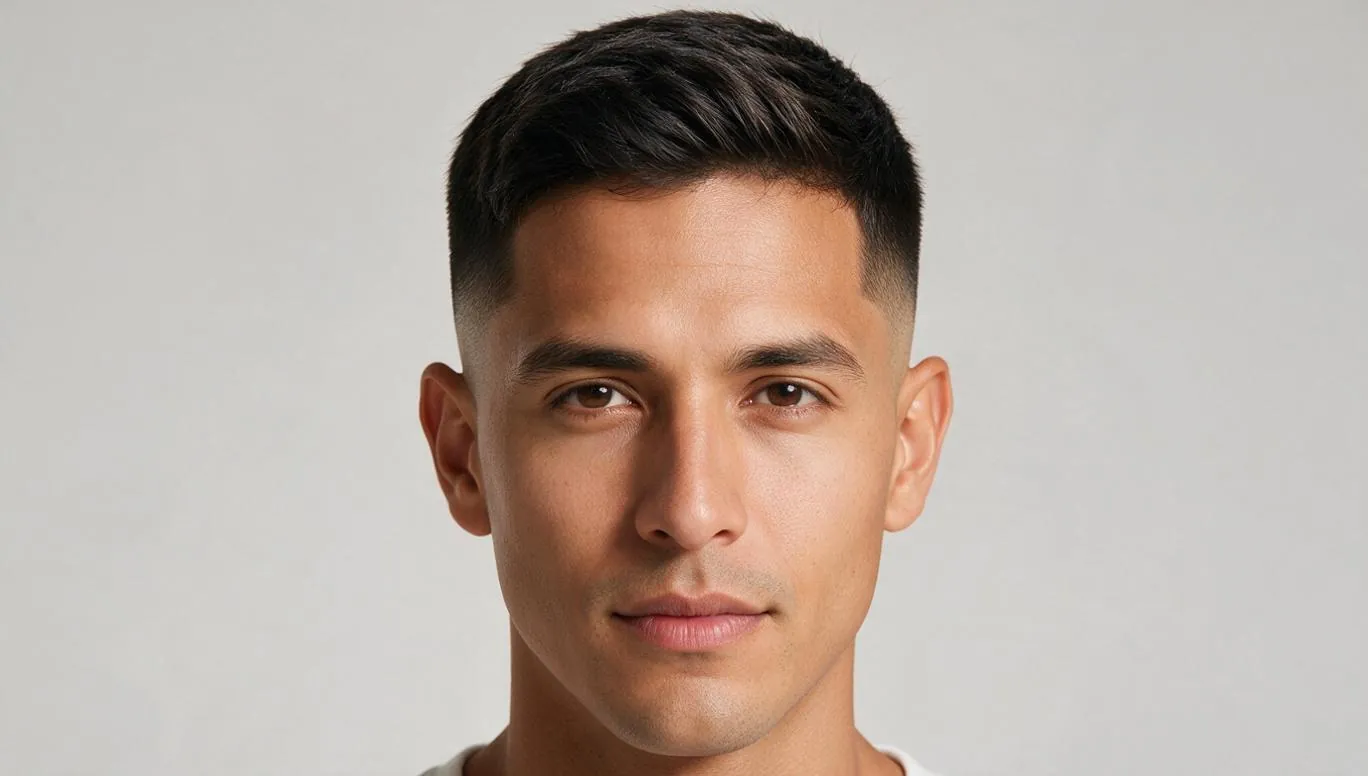
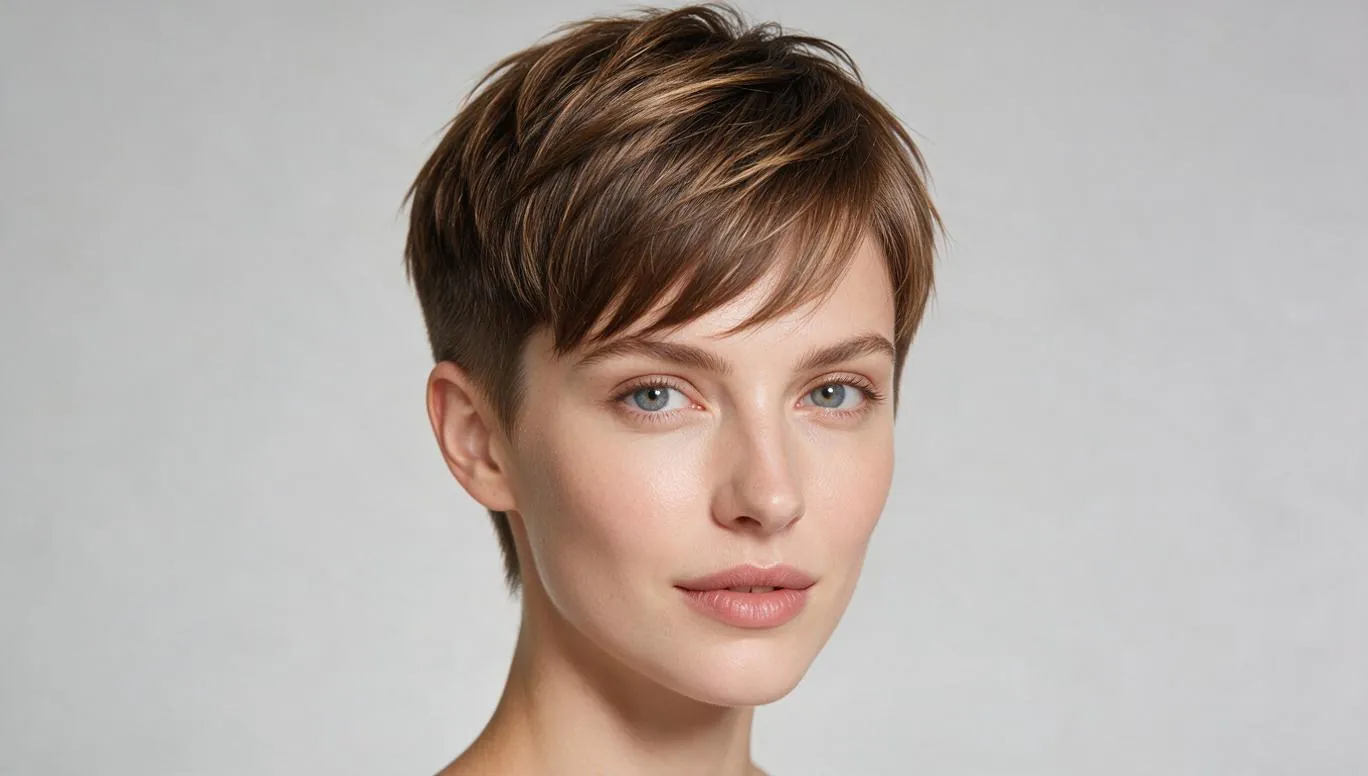
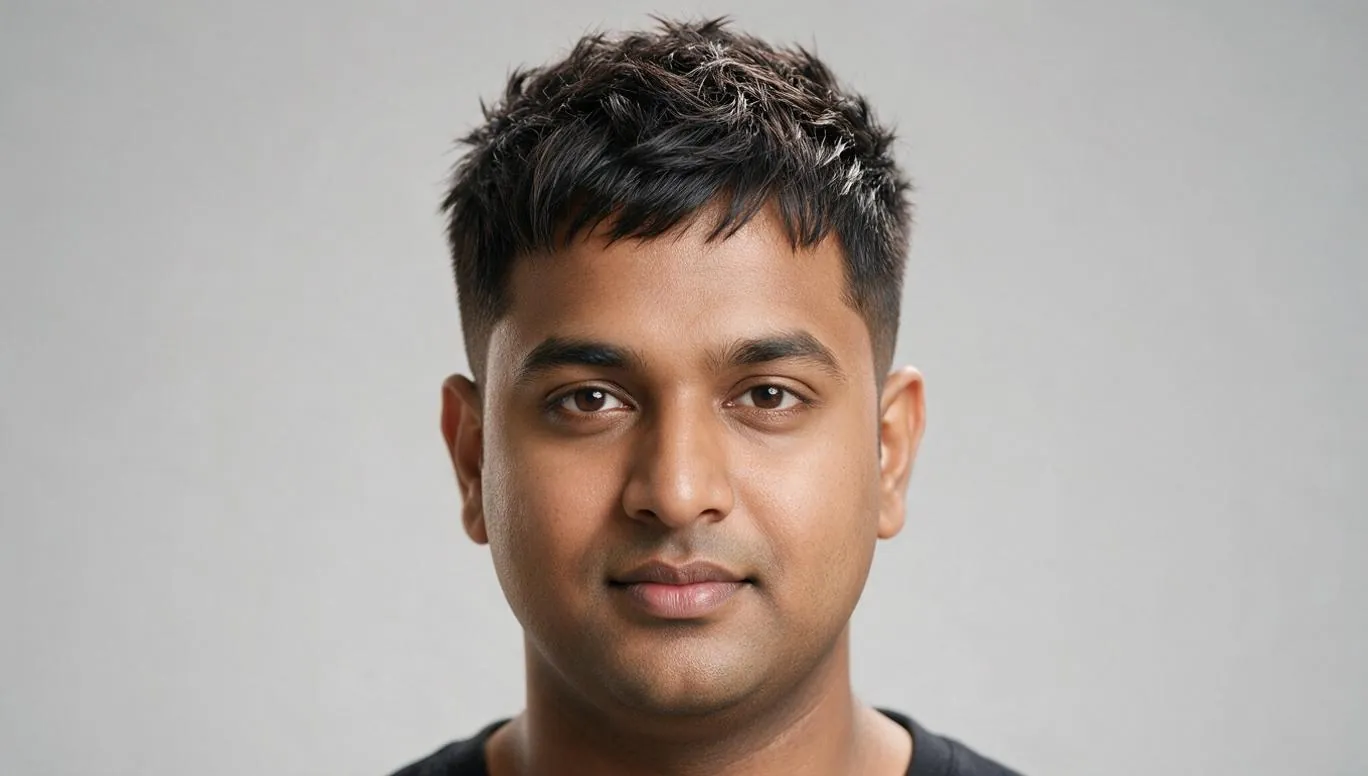
What makes a good photo
- Face the camera straight on, with your head level.
- Use even light from the front, with no strong shadow on one side.
- Pull your hair back off your forehead, temples and jaw.
- Take your glasses off.
- Keep a neutral expression, with your mouth closed.
Each point protects a measurement. Hair over your temples hides forehead width, a turned head shortens one side of the face, and a wide smile changes the outline of your jaw and cheeks. Frames break up the outline around your eyes and temples.
Guests get 2 free reads a day, and a free account gets 5 a month.
How the face shape detector works
The detector turns your photo into measurements, scores them against published rules for each of the seven shapes, and shows you the result with its reasons. It takes three steps.
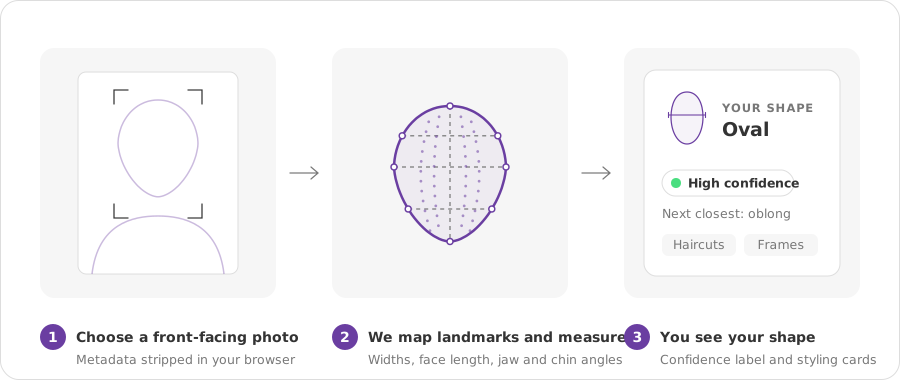
Choose a front-facing photo
Choose or take a front-facing photo, and your browser resizes it and strips its location and camera metadata before anything is sent. You don't need to crop it; the detector finds your face in the frame.
We map 468 landmarks and measure the ratios
The detector places 468 landmarks on your face, in your browser first, or on our server if your browser can't find them. From those points it measures:
- cheekbone width, between landmarks 234 and 454
- face length, from landmark 10 to landmark 152
- jaw width and jaw angle, at landmarks 58 and 288
- forehead width, between landmarks 103 and 332
- chin angle, at the point of your chin (landmark 152)
Every measurement is normalised, so the size of your photo and your distance from the camera don't change the ratios. Landmark 10 sits at the top of the mesh's forehead outline, usually below your hairline, so the detector's length ratios run lower than a tape-measure reading would.
You see your shape, a confidence label and styling cards
Your result shows your primary shape, the next-closest shape when it scored close, a confidence label with its reasons, and named haircuts and frames for that shape. From there you can scan another photo to compare the two reads.
The seven face shape families
The detector sorts every face into one of seven shape families, and the table shows what reads widest on each, how the jaw and chin look, and one of the published rules the detector scores.
| Shape | Also called | What reads widest | Jaw and chin | One rule the detector scores | Full guide |
|---|---|---|---|---|---|
| Oval | — | Cheekbones | Gently rounded taper | Length ÷ cheekbone width 1.18–1.23; jaw angle ≥ 136° adds points | Oval face shape |
| Round | — | Cheeks, with length ≈ width | Soft, rounded | Length ÷ width ≤ 1.15, jaw angle ≥ 138° | Round face shape |
| Square | — | Even: forehead, cheekbones, jaw | Angular jaw corners, broad chin | Jaw angle ≤ 136.5°; jaw ÷ cheekbone ≥ 0.885 adds points | Square face shape |
| Heart | — | Forehead and temples | Narrow, often pointed chin | Chin angle ≤ 100° (the strongest condition); temple ÷ jaw ≥ 1.14 adds points | Heart face shape |
| Diamond | — | Cheekbones, clearly | Narrow chin | On a longer face: forehead ÷ cheekbone ≤ 0.73, jaw ÷ cheekbone ≤ 0.89, chin angle ≤ 110° | Diamond face shape |
| Oblong | Rectangle | Even, on a long face | Straighter sides | Length ÷ width ≥ 1.25, chin angle ≥ 105° | Oblong face shape |
| Triangle | Pear | Jaw | Broad jaw, narrower forehead | Jaw angle ≥ 144° with forehead ÷ cheekbone ≥ 0.74; or jaw ÷ cheekbone 0.88–0.90 with forehead ÷ cheekbone ≤ 0.69 | Triangle face shape |
Read the numbers as landmark ratios, not tape-measure targets. Because face length starts at the top of the mesh's forehead outline, a tape reading from your hairline comes out higher, so an oval face measured by hand can look oblong against this table. If you measure by hand, the face shape calculator has its own reference numbers.
Neighbouring shapes often differ by a single measurement. Oval's length ratio stops at 1.23 and oblong's starts at 1.25. Square and triangle both look wide at the jaw, but the detector splits them on the jaw angle: 136.5° or tighter for square, 137° or wider for both triangle rules. The methodology lists every condition.
The rules are scores, not gates. A face can earn points on two shapes at once, which is why you sometimes see a blend, and the shape with the highest score leads your result.
See all seven face shapes side by side
Reading your result: confidence and blends
Your result has three parts: a shape, a confidence label and, when the scores are close, a second shape. Read them together.
What the confidence label means
Every result carries one of three labels: High confidence, Medium confidence or Lower confidence. The label comes from four signals:
- High confidence
- Medium confidence
- Lower confidence
- lighting and sharpness
- head angle
- how many landmarks were measured directly rather than estimated
- how close the next shape was
Lower confidence means the photo held the read back, not that something went wrong. You still see the result, with the reasons stated, and a straight-on photo in even light usually firms it up. A typical reason reads: "Lower confidence because the head was turned left or right away from the camera."
"No face detected" is different. That is an error, and it means there was no face in the photo to measure.
If you're between two shapes
When two shapes score close together, the detector names both and shows how close you are to each, so you can borrow styling from either. Five neighbouring pairs have their own side-by-side guides:
- Oval vs oblongLength is the deciding measurement.
- Oval vs diamondForehead width decides it.
- Round vs squareThe jaw angle decides it.
- Heart vs diamondForehead against cheekbone width.
- Heart vs squareJaw width and chin angle.
How we handle your photo
Your photo is used for one read and then discarded. It is never stored and never used to train models.
- Your browser resizes the photo and strips its location and camera metadata.
- Your browser tries to find the landmarks itself. If it can't, our server finds them instead, using our own model or Amazon Rekognition.
- The photo is sent once, over an encrypted connection, to check lighting and sharpness and to score your shape. It is held in memory for that request and never written to disk or a database.
- What we keep is the measurements from your read, saved to your profile, which works without an account. You can export or delete them at any time.
The privacy policy covers retention, deletion and your rights in full.
How we check the method
The rules are published, and a script checks that they behave the same way every time. Re-run on 1,003 cached portraits, the rules reproduce every label.
That shows the method is deterministic: the same landmarks always produce the same shape. It does not show that the label is right for every face, because those 1,003 labels were first assigned by the same rules. No person labelled them.
So instead of a site-wide accuracy figure, each result carries its own confidence label, built from your photo. One number for the whole site would depend on photos we haven't seen and would overstate what it can tell you.
The full rule set, the landmark map and the command that re-runs the check are on How FaceAuraAI works. What the check can and can't catch, including its known gaps, is on How we check quality.
Before the cut, before the frames
Your result earns its keep at the barber and the optician. The styling cards under it turn your shape into named cuts, frame families and beard styles, each with a one-line reason.
Haircuts
For a round result, for example, the cards favour cuts that add length, such as a High quiff or pompadour, which builds height at the crown, or Long face-framing layers, which run past the chin. The hairstyle recommender ranks cuts against your own measurements. For more round-face examples, see men's haircuts for a round face and women's haircuts for a round face.
Frames
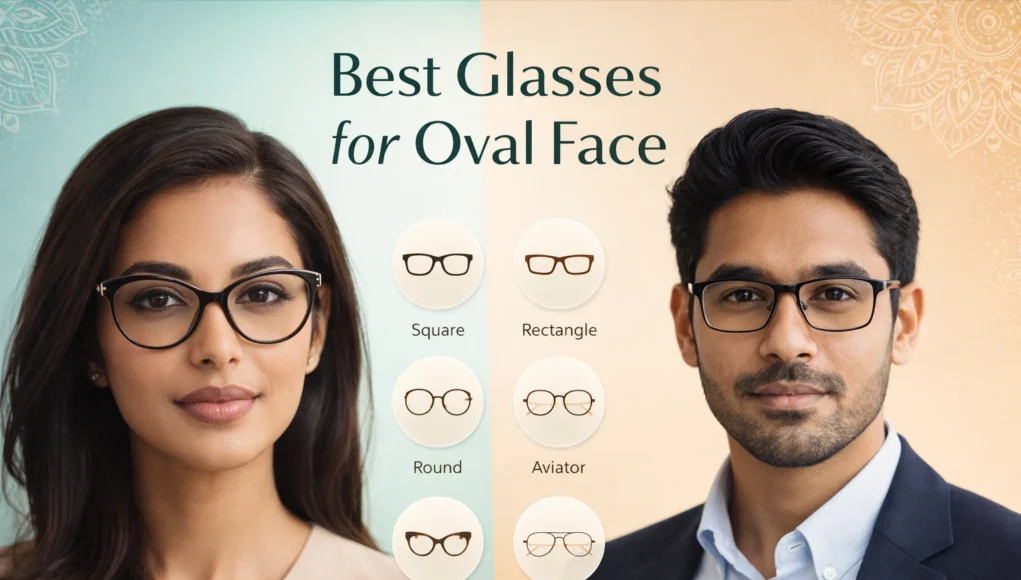
A square result leads with Round and Oval frames, which contrast angular jaw corners. The cards also say what to skip: for a square result, boxy rectangles that stack on a square jaw. The glasses finder ranks frames for your face, and glasses for your face shape covers frame sizing and bridge fit.
Beards, if you grow one
An oblong result suggests Wider cheek coverage, shorter chin, because horizontal beard mass shortens a long face. The men's face shape guide covers beards for all seven shapes.
Take the card, not just the shape name. A named cut with its reason gives your barber or optician something specific to work from, and if your result is a blend, the cards draw on both shapes.
Frequently asked questions
Is the face shape detector free?
Yes. Guests get 2 free reads a day, and a free account gets 5 a month. Each read gives you a shape, a confidence label and named styling cards.
Which face shapes can it detect?
Seven: oval, round, square, heart, diamond, oblong and triangle. Oblong is also called rectangle, and triangle is also called pear. When your measurements sit between two shapes, the detector names both and shows how close you are to each, rather than forcing a single answer.
Is my photo uploaded or stored?
Your photo is sent once, over an encrypted connection, to check lighting and sharpness; it is held in memory for that request and never stored or used to train models. Landmarks are found in your browser first; if your browser can't find them, our server does, using our own model or Amazon Rekognition. Only your measurements are kept, in a profile you can export or delete.
How reliable is the result?
Every result comes with a confidence label based on the quality of your photo: lighting, sharpness, head angle and how many landmarks were measured directly. We don't publish a single accuracy percentage, because it would depend on photos we haven't seen. The rules themselves are deterministic and re-runnable, as How we check quality shows.
Why did two photos give me different shapes?
Lighting, head angle, expression, hair and glasses all move the landmarks the detector measures, and a small shift can tip a close call between two neighbouring shapes. For the most consistent read, use a straight-on photo in even light, with your hair pulled back off your face and your glasses off.
What if I'm between two face shapes?
The detector names both shapes and shows how close you are to each, so you can borrow styling from either. A result that reads mostly oval with some oblong, for example, can use oblong advice as well as oval. The oval vs oblong comparison shows how the two differ.
Does it work for men and women?
Yes. The detector measures the same seven shape families for everyone and never guesses your gender. You tell it whether you want men's or women's cuts, and the styling cards follow that choice. The men's face shape guide covers cuts and beards for each of the seven shapes.
Can I use the detector without uploading a photo?
Yes, by using a different method: the detector itself needs a photo, but two tools don't. The face shape calculator works from four tape measurements, and the what is my face shape guide teaches the mirror method. Each method uses its own reference numbers.
Face shapes